
The amount, from your wrist.
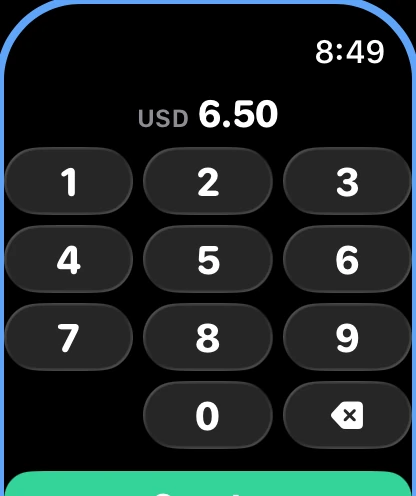
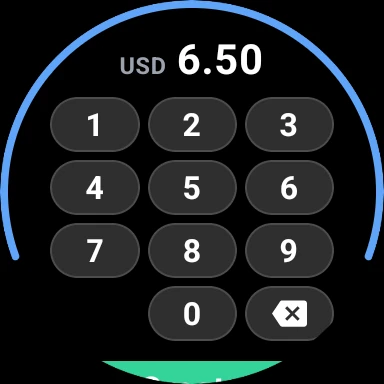
A keypad on your Apple Watch or Wear OS watch. Type what you paid, tap Create, and your phone books it. Everything else can wait.
Numbers are the first thing you forget.
The coffee to go, the parking meter, the cash at a market stall. Ten minutes later the amount is gone, while the rest is easy to remember: where you were and what you bought. So the watch asks for the one thing that slips away, and nothing else.
Type, tap, done.
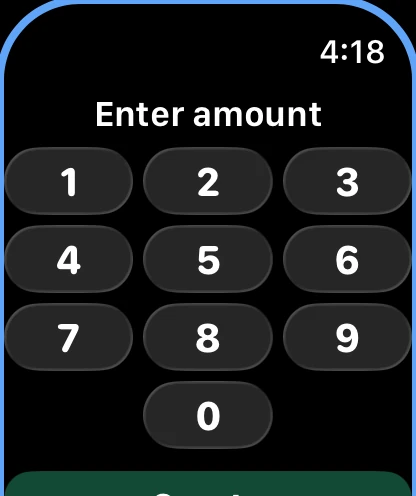
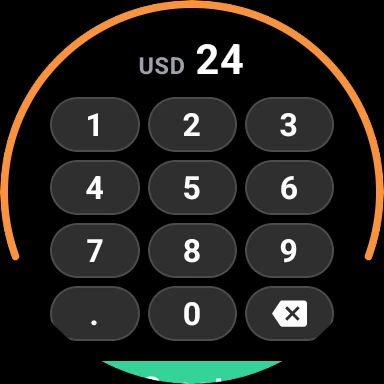
- Type the amount on a keypad like the one on your lock screen. A decimal key appears when your currency has decimals.
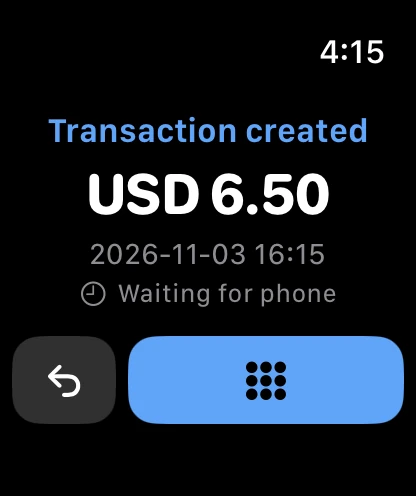
- Tap the green Create button. The watch shows the amount and the time, and one tap takes you back to the keypad.
- Mistyped? Undo takes the payment back and puts the amount on the keypad again, one key from fixed.
- Open the app from the app list or the watch face, and you always land on the keypad.
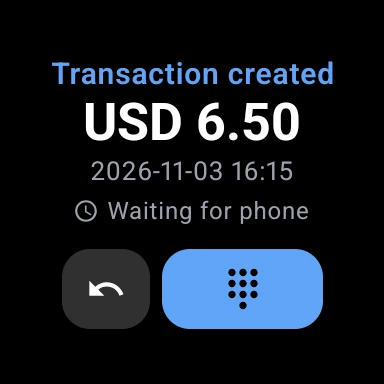
Your phone fills in the rest.
The watch hands the amount to your phone, and the phone books it exactly as its own form would have, had you only typed the amount there. For a transaction, that means:
- Date and time
- The moment you tapped Create.
- Account and payment method
- Your default account and default payment method.
- Groups and currency
- Your default groups, in your default currency.
- Title and merchant
- Your starred title and merchant, if you have starred them.
- Place
- Where the watch was, when Auto-set Location is on.
- Everything else
- Empty, until you open the payment on your phone and fill it in.
Three things it can create.
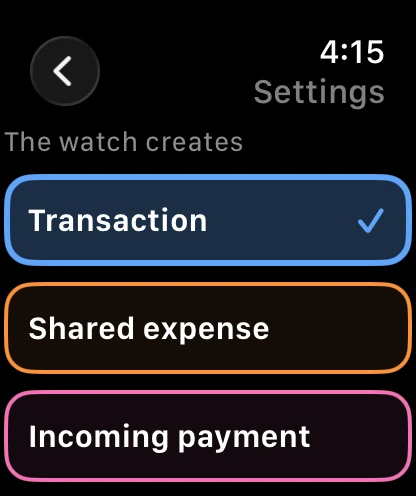
Pick in Settings on the watch: Transaction in blue, Shared expense in orange or Incoming payment in pink. The thin frame around the keypad takes the colour, so you always know what you are about to create. Shared expenses and incoming payments need a starred payer in the app first, and the watch tells you if one is missing.
See what you saved.
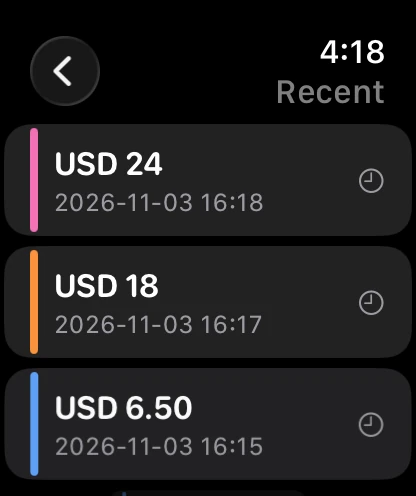
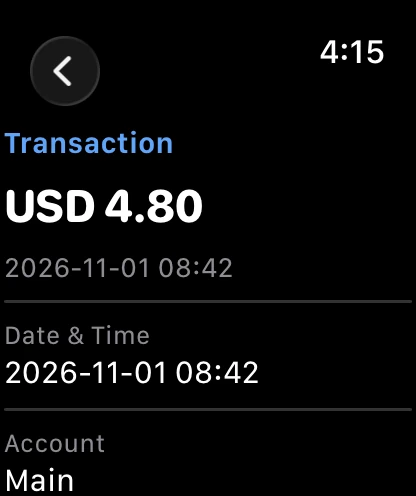
Recent lists the newest payments from your phone, all three kinds, each with a stripe in its colour, plus what the watch created that the phone has not booked yet. Tap one to see every field, filled in or not.
Today’s spend, on your watch face.
Put Transaction on your watch face, and it shows what you have spent today in your main currency, the watch’s own new payments included. It starts over at zero at midnight, and a tap opens the keypad.
Good to know
- The watch never talks to the server itself. It hands each payment to your phone, and the phone creates it when you open the app. With the app already open, it takes about a second.
- Phone out of reach? The watch keeps the payment and shows “Waiting for phone” until the two meet again.
- The watch speaks the app’s language and writes numbers the way your language does.
- The same app on Apple Watch and on Wear OS.