
12.50 USD
Lunch at Corner Deli
Money you paid: from your own accounts, or accounts you share.
12.50 USD
Lunch at Corner Deli
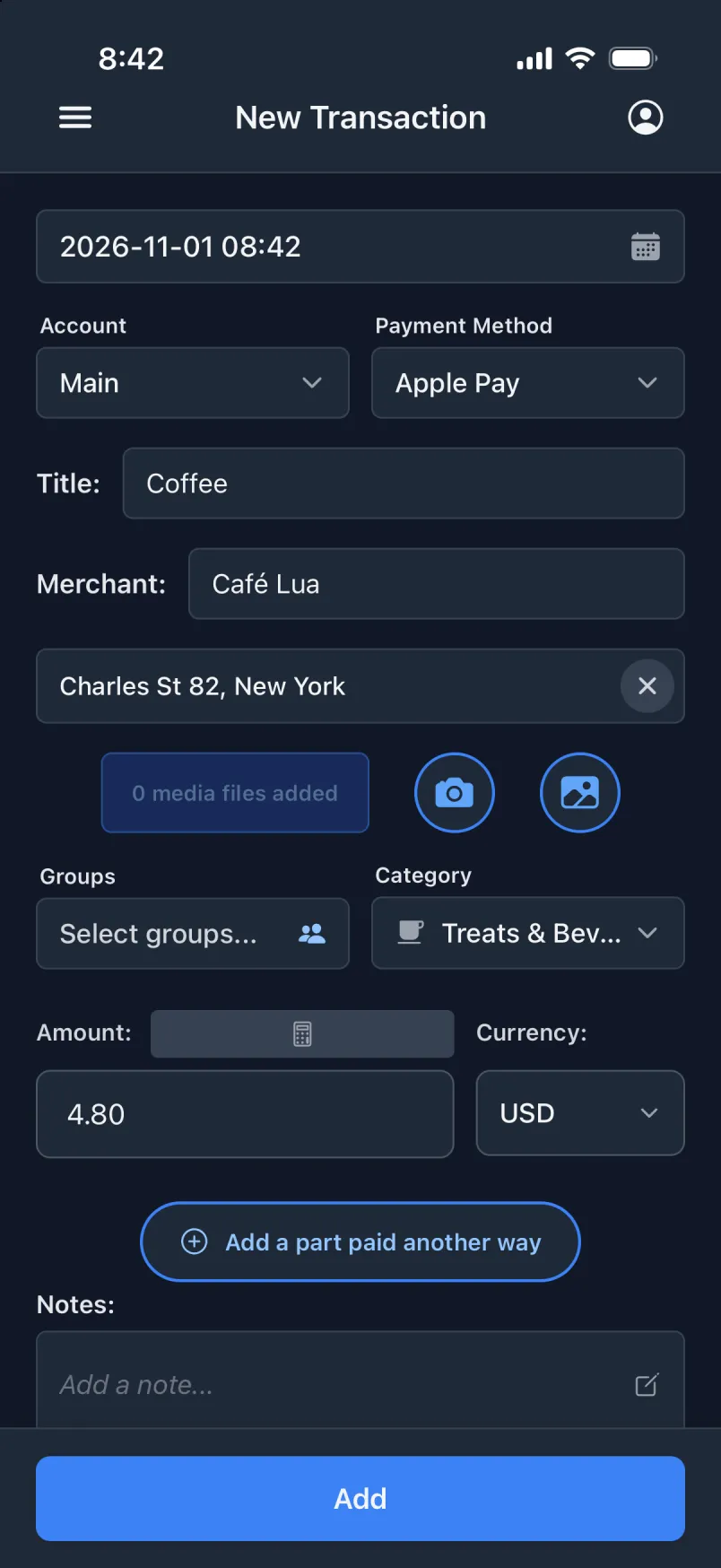
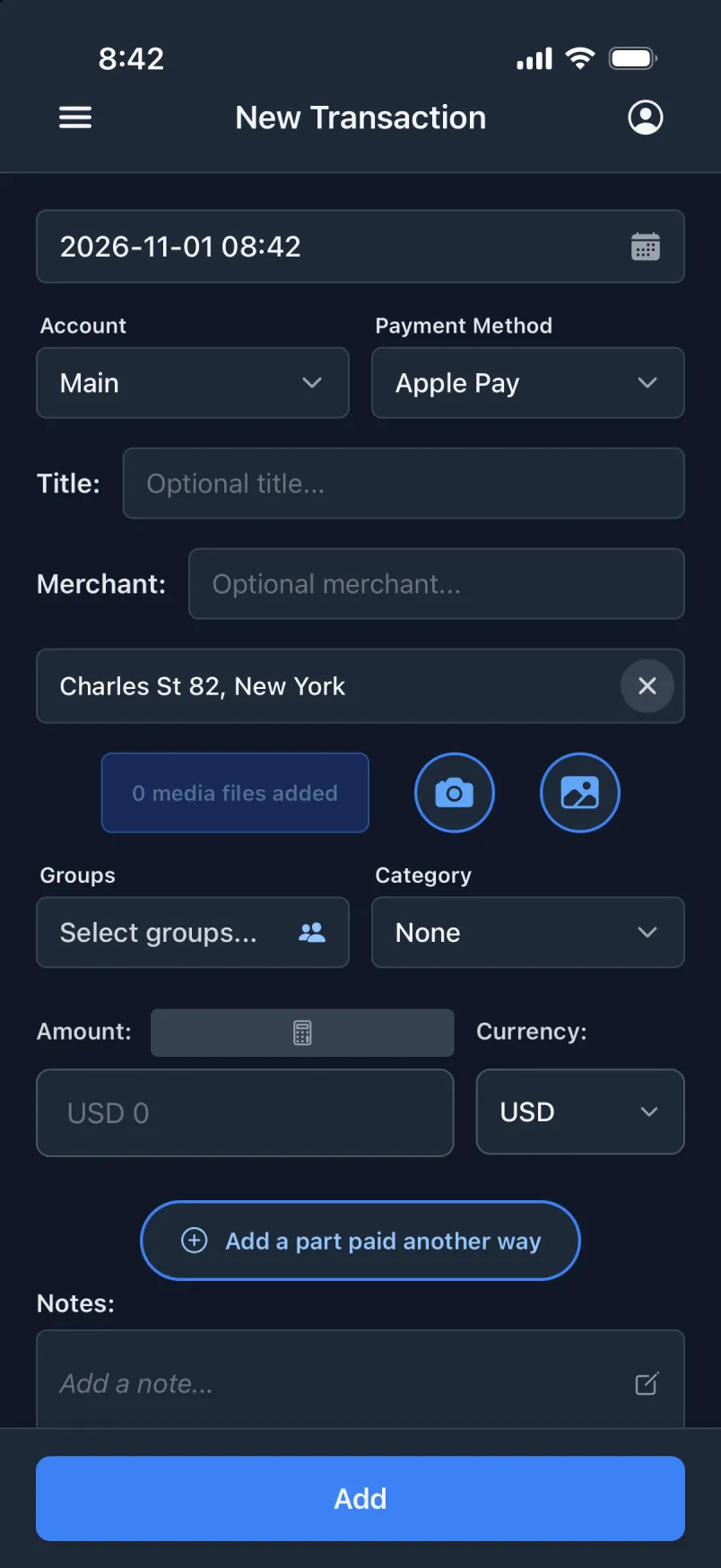
It is easy to forget what your money went on, and card and phone payments rarely leave a useful trail. A transaction is the payment plus everything you will want to know later: what, where, when, how and with whom. That is why the app opens straight on the form for a new one.
A transaction is always something you paid yourself, or something paid from an account you are part of, like the joint account you share with your partner.
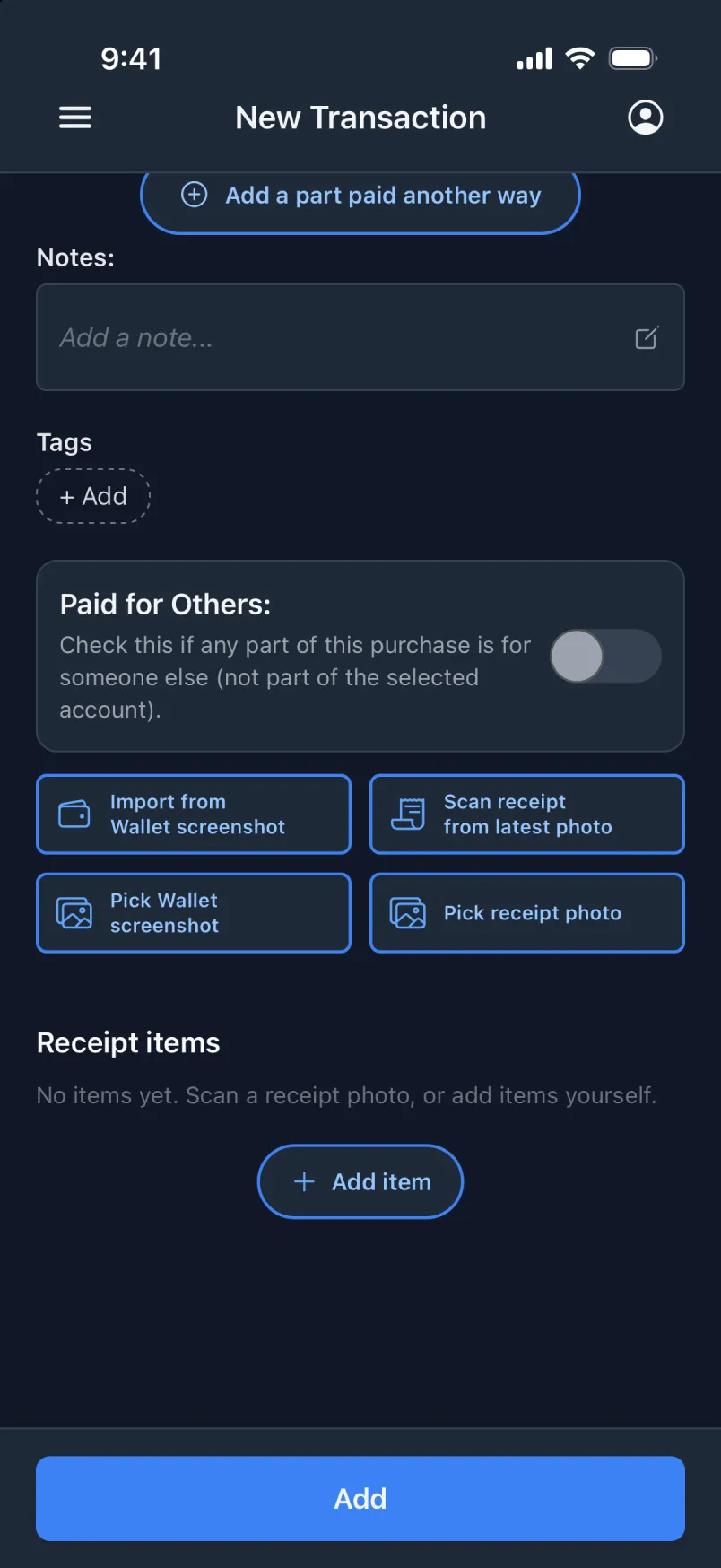
An Apple Wallet payment or a payment notification becomes a transaction without you touching the phone.
A template fills the form or creates the transaction outright.
Default values and prefilled titles, merchants and payers do most of the typing.
On iPhone: take a screenshot of the payment in Wallet, or pick one from your library, and the fields fill in.
On iPhone: share the receipt from MobilePay to Transaction, and the payment is filled in.
The receipt lines and the total are read on the phone.
Add the card payment, open it and tap “Add a part paid another way”. Choose who paid the tip: your cash, the shared cash, another account, or someone else. Pick your friend, and the tip becomes a shared expense with them as the payer, linked to your card payment. The parts show up together as one split payment.
Keep it as one transaction, turn on “Paid for others” and add who drank them, with or without an amount. They show up in the group’s “Who owes whom”, and those with an amount count towards it.