
Prefilled values. Type it once.
Most payments look like the last one. Transaction keeps your own lists of titles, merchants and payers, and starts every form with your default values.
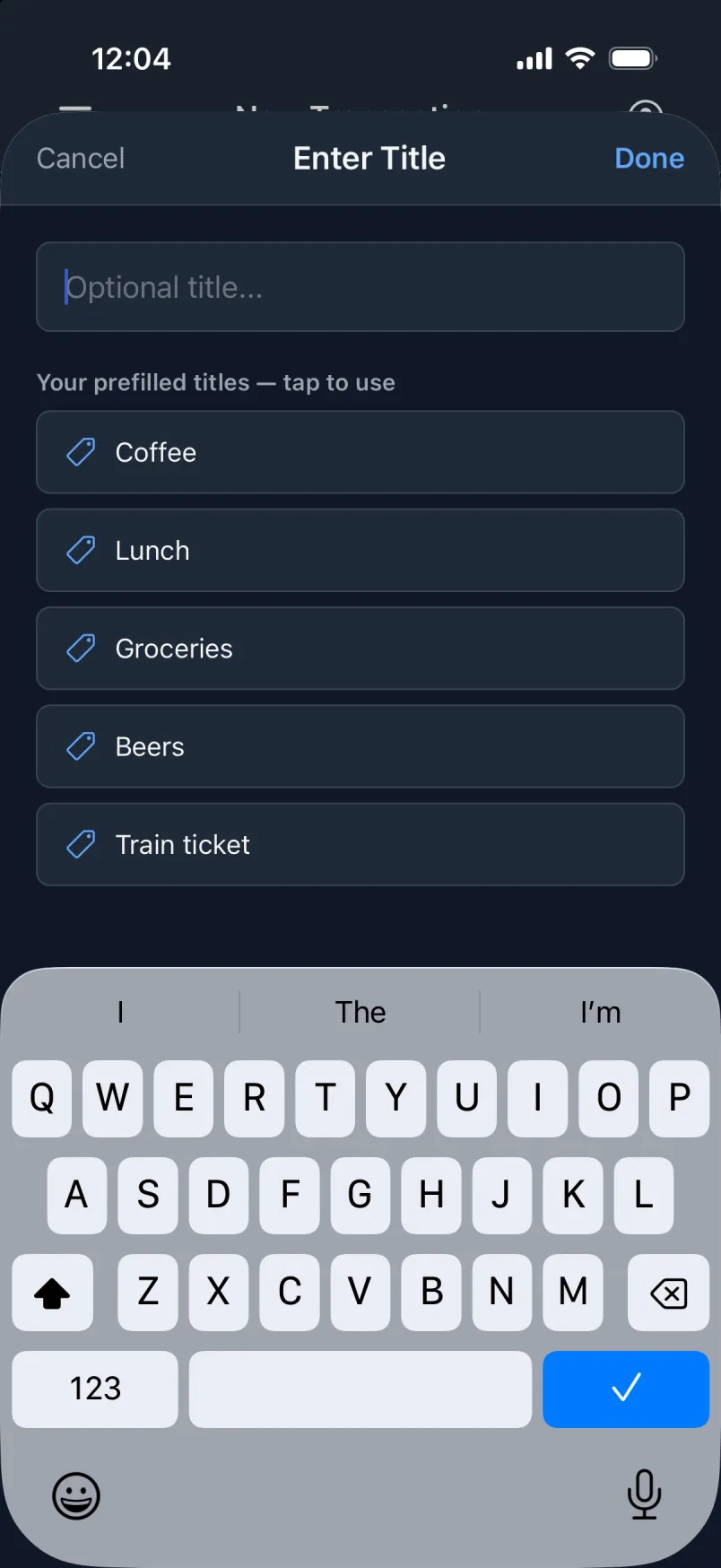
Two taps instead of typing
Your prefilled titles and merchants sit right under the field. Tap the field, tap “Coffee”. Shared expenses and incoming payments get your payers the same way.
A star for the usual one
Tap the star on a title, a merchant or a payer, and it is filled in on every new payment. Tap it again to have none.
Default values
Choose the account, payment method, groups and currency every new payment starts with. If you nearly always pay from the same account with the same card, only the amount is left to type.
- On holiday in Spain? Set the default currency to EUR while you are there.
- The place is set from the phone’s location the moment the screen opens.
- Default values belong to the phone, so each of your phones can start its own way.
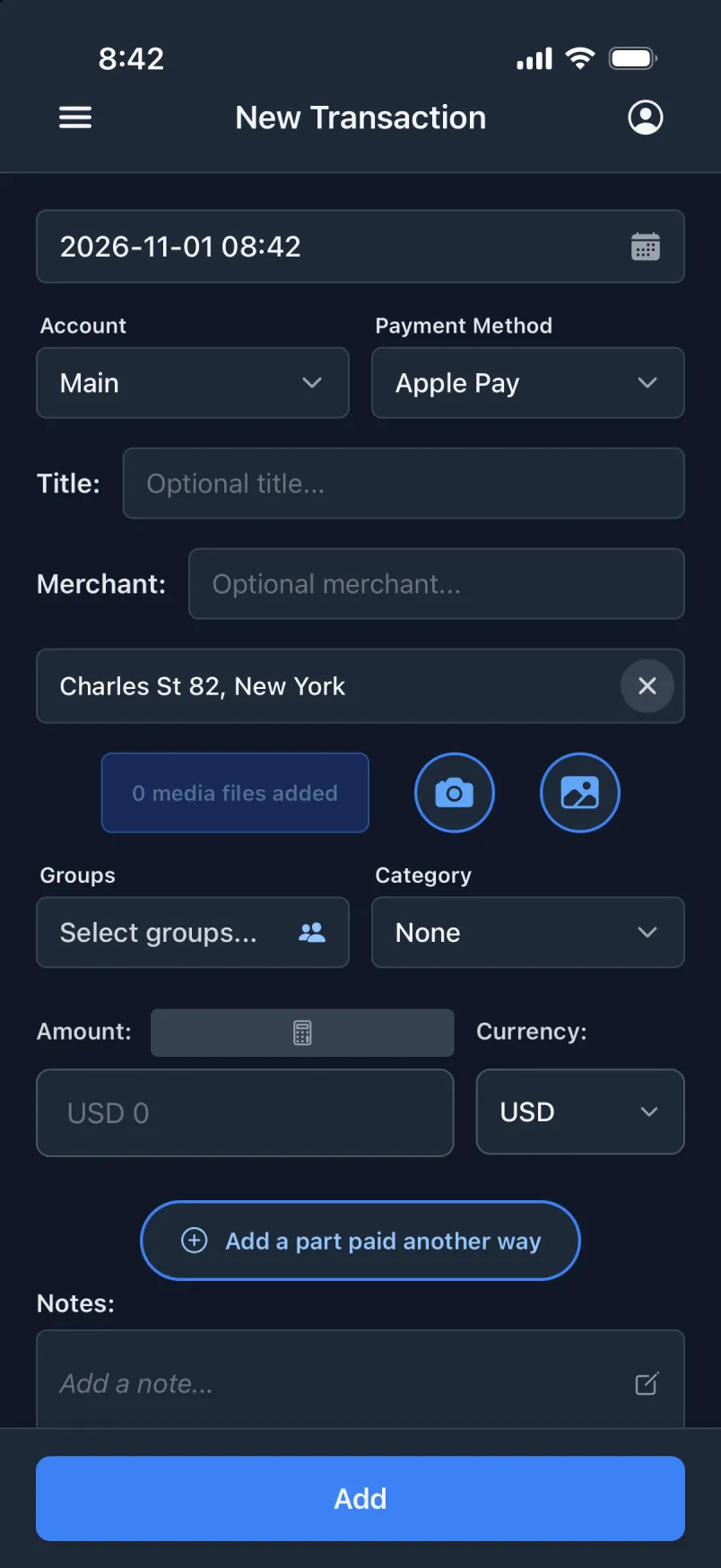
Where to set them
- Settings → Default values.
- Settings → Prefilled titles and Prefilled merchants.
- Payers are kept in Settings too, for shared expenses and incoming payments.