
Offline. It still works.
No signal in the basement café? Create and edit as usual. Everything is saved on the phone first, and synced when you are back online.
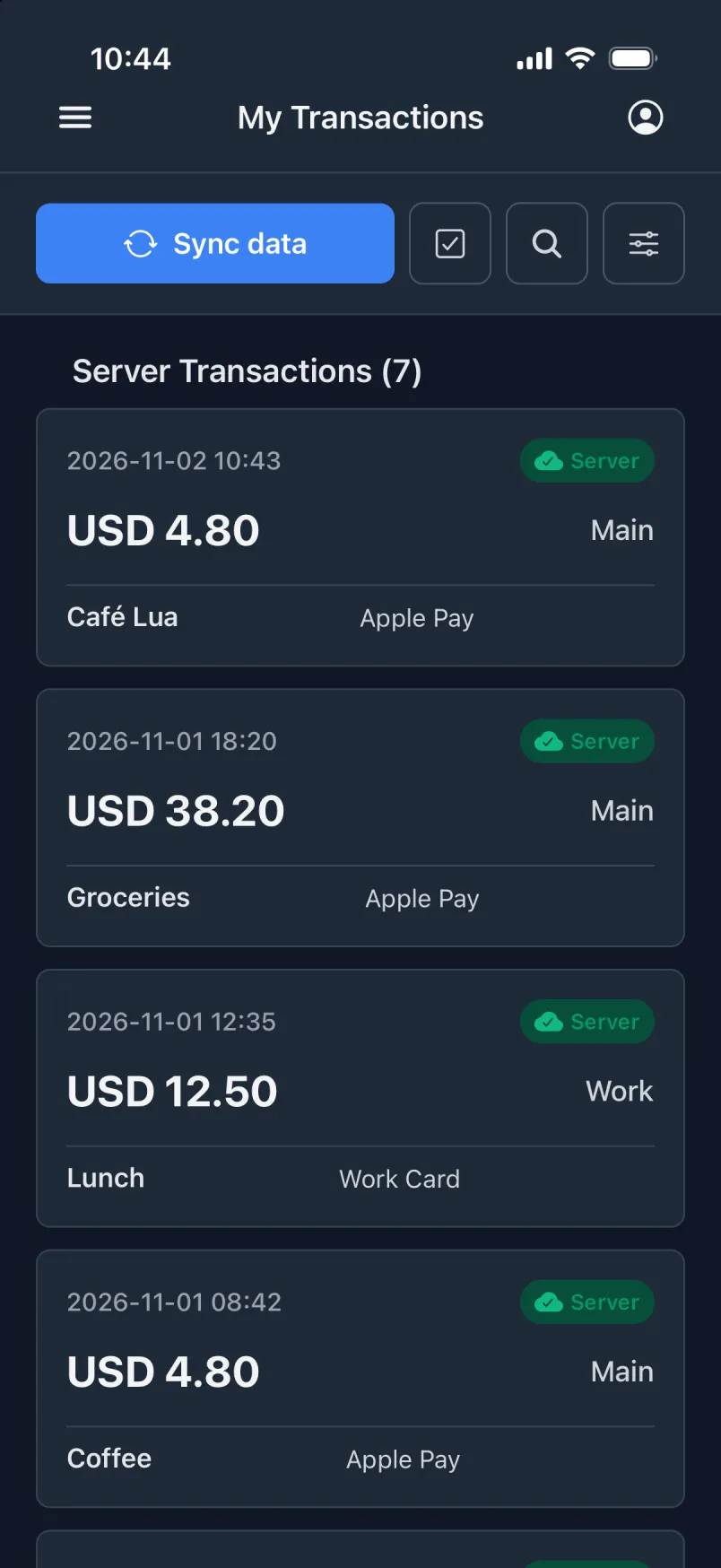
Saved on the phone first
- Every payment is saved on your phone before it goes to the server, so a weak connection never costs you one.
- It is synced by itself in the background, or when you tap “Sync data”.
- Photos wait on the phone too, and are uploaded when there is a connection.
You can see what is where
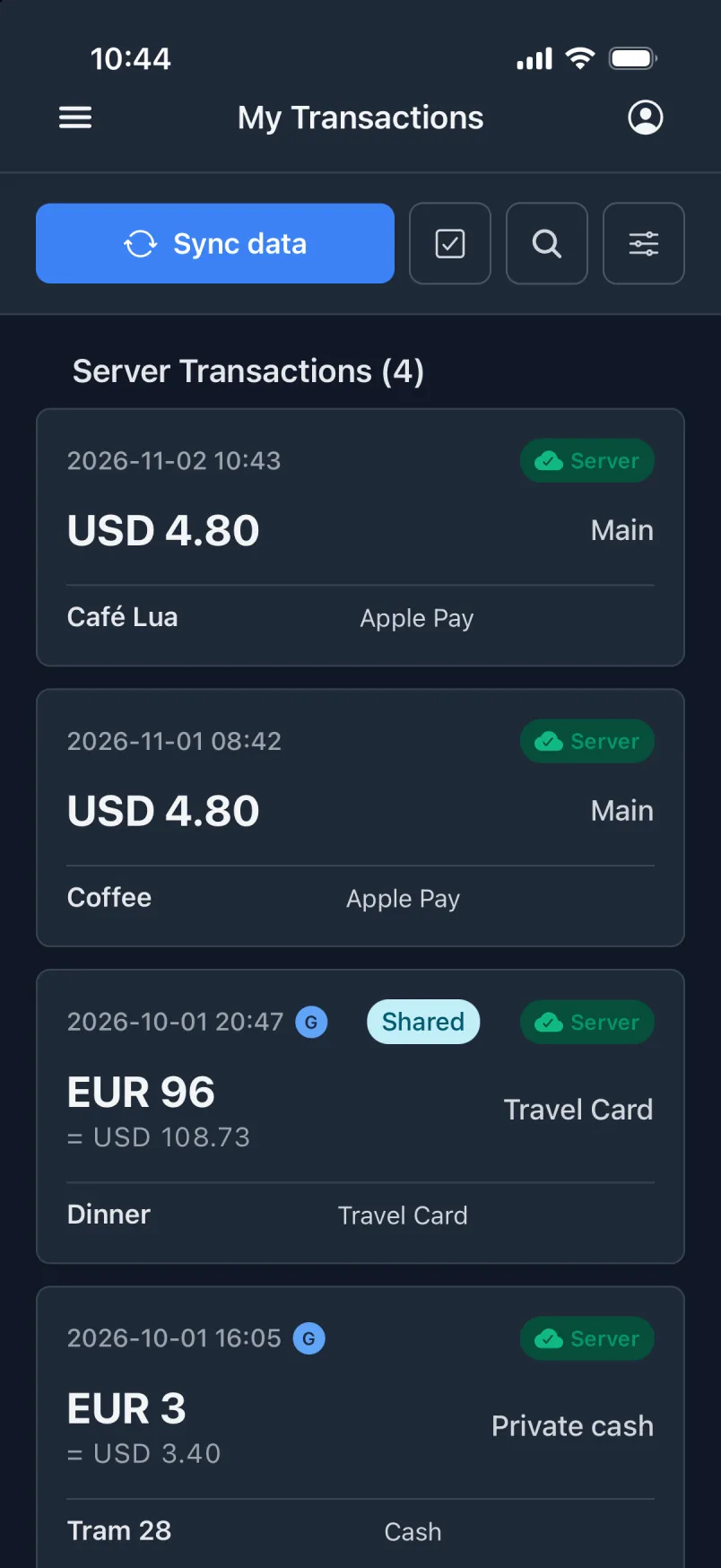
Offline, the list shows the payments on your phone. Online, they sit in their own sections, marked “Synced”, “Not synced” or “Server”.
What needs a connection
- Works offline
- Creating and editing payments, template squares, prefilled values and picking tags.
- Needs a connection
- Managing accounts, groups, templates and tags, and exporting.